We are a private company and an IRS-authorized Certifying Acceptance Agent (CAA), providing paid ITIN application assistance. We are not part of the Internal Revenue Service or any U.S. government agency. The IRS makes the final decision on ITIN applications.
Get started

How to Handle a Rejected, Denied, or Incorrect ITIN Application

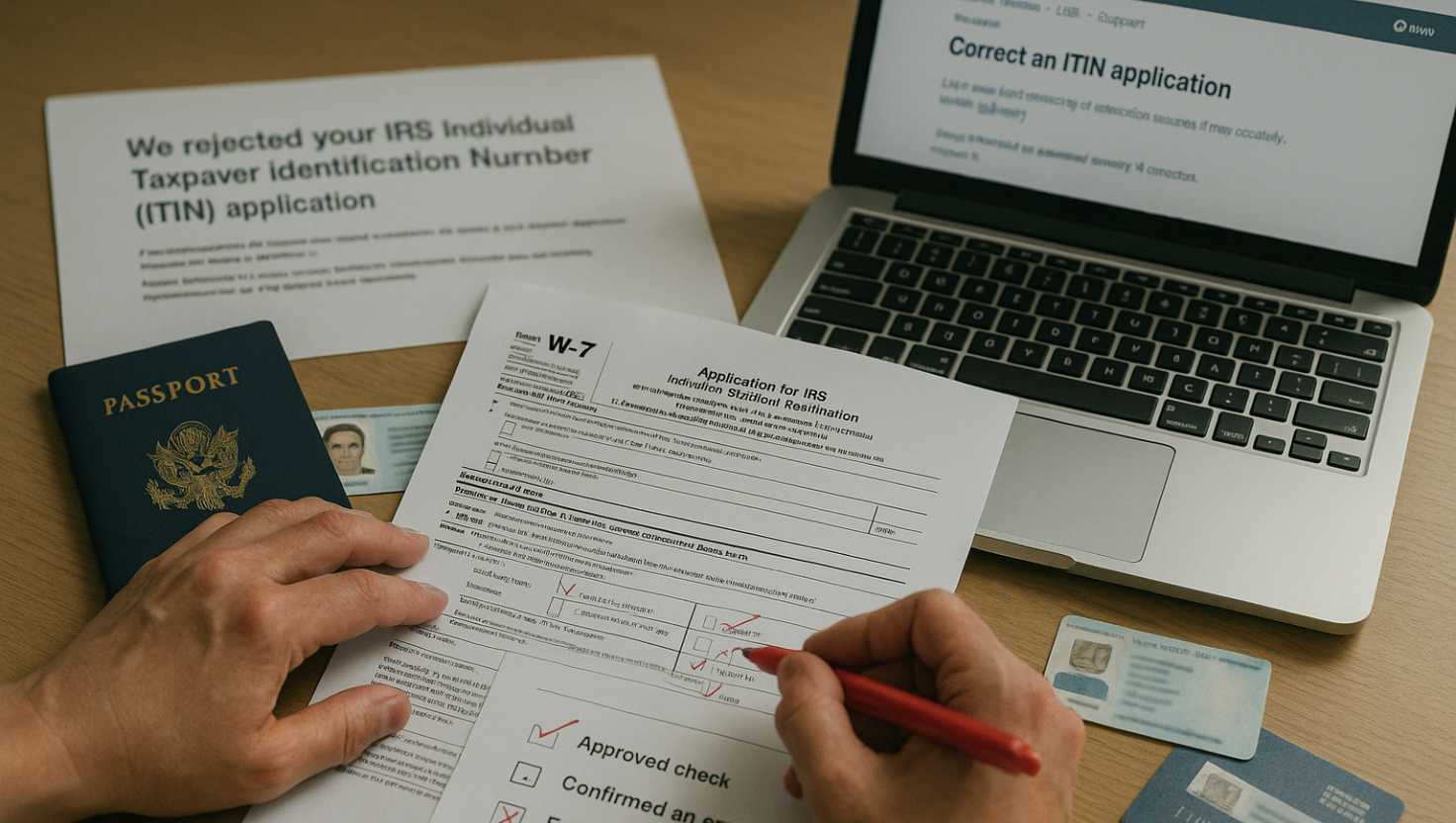
Desk with IRS Form W-7, passport, supporting documents folder, and hand holding pen ready to correct application

When applying for an Individual Taxpayer Identification Number (ITIN), sometimes the IRS may reject or deny your application due to errors or issues with the supporting documents. Knowing how to respond effectively can help you resolve problems quickly and avoid unnecessary delays. This article guides you through understanding why an ITIN application might be rejected, the specific steps to take after receiving a rejection notice, how to correct errors, and ways to prevent future mistakes.

Understanding ITIN Rejections and Denials

An ITIN application may be rejected when the IRS identifies a problem that prevents it from processing the request. Common issues include errors in the application information or problems with the supporting documents submitted. The IRS explains the specific reason in the CP-567 notice, so review that notice before deciding what to do next. You can read the IRS guidance on understanding your CP-567 notice.

People often use “rejected” and “denied” interchangeably, but the most useful distinction is the action required. A rejection generally means the submitted application was not accepted for processing as filed and must be corrected or resubmitted. A denial may be used more generally to describe an unsuccessful outcome, but the IRS notice—not the label alone—should guide your response.

After identifying the issue, correct the errors and prepare a new application with the required supporting documents. Avoid sending the same package again without addressing the reason shown in the notice. Keeping the CP-567 notice with your records can also help you confirm that the corrected submission responds to the IRS explanation.

Steps to Take After an ITIN Application is Rejected

Start by reading the CP-567 notice carefully. It explains why the IRS rejected the ITIN application and helps identify what needs to be corrected. Compare the notice with the information and documents submitted so you can address the specific issue rather than sending the same application again.

Review the application for inaccurate, incomplete, or inconsistent information. Confirm that the application reflects the correct reason for applying and that the supporting documentation meets the requirements for the submission. If the rejection involves documentation, replace or correct the affected documents before resubmitting. Do not assume that a prior submission will be accepted without changes.

After correcting the problem, prepare and submit a new ITIN application with the required information and supporting documents. The IRS provides additional details in its guidance on how to apply for an ITIN. Keep a copy of the new application and the documents submitted for your records.

For more detailed preparation steps, explore our complete guide on applying for an ITIN.

Correcting Errors in Your ITIN Application

If you find an error in your ITIN application, review the entire submission before sending a correction. Check the information on Form W-7 against the supporting documents and make sure the corrected information is consistent throughout the package. Then resubmit the corrected documents with the application materials required for your situation.

Avoid sending a partial correction without reviewing the rest of the application. A missing correction or inconsistency can leave the original problem unresolved. Keep a copy of the corrected Form W-7 and the documents you submit for your records. For additional guidance on avoiding application mistakes, review the IRS’s ITIN application frequently asked questions.

Getting help from a Certifying Acceptance Agent

An Acceptance Agent and a Certifying Acceptance Agent (CAA) are different designations. If you use professional assistance, confirm which type of agent you are working with. An IRS-authorized Certifying Acceptance Agent (CAA) can help review the application package, assist with preparing Form W-7, and authenticate eligible supporting documents within IRS rules. A CAA may also assist with submitting the application and returning eligible original documents where applicable.

A CAA can help identify inconsistencies before resubmission, but the application still must meet IRS requirements. Carefully review the corrected package before it is submitted.

Preventing Future ITIN Application Mistakes

A careful review before resubmitting can help you avoid repeating an error. Check that the information on Form W-7 is accurate, consistent, and complete. Compare names and other identifying details with your supporting documents, and review the entire application package for missing or inconsistent information before sending it.

Keep the documents relevant to your application together and confirm that they meet the IRS requirements for your situation. The IRS explains application questions and document-related issues in its ITIN application frequently asked questions.

If you submit your application in person, review the package before the appointment or submission. Make sure the application is complete, the information matches your documents, and you understand any instructions that apply to your submission. Taking a few minutes to check these details can help you identify preventable mistakes before the application reaches the IRS. Keep a copy of the completed application and the documents you submitted for your records.

← Back to Blog