An Individual Taxpayer Identification Number (ITIN) plays a vital role in tax reporting for certain taxpayers who do not qualify for a Social Security number. However, it is important to understand that ITINs are subject to expiration rules based on their usage, and it may be necessary to renew your ITIN to maintain its validity for federal tax filings. This article outlines the key expiration criteria, renewal procedures, and how you can verify your ITIN’s validity to stay compliant with IRS requirements.
ITIN Expiration: Key Rules and Timelines
An ITIN expires when it is not used on a U.S. federal tax return for three consecutive tax years. The expiration date is December 31 after the third consecutive tax year of non-use. This rule is based on filing history, not simply on how long ago the ITIN was issued.
For example, if an ITIN is not used on a federal tax return for three consecutive tax years, it expires at the end of the third year. Once that deadline has passed, the ITIN holder may need to renew it before using it for a federal tax filing.
Expiration does not mean the number is permanently unavailable. It means the ITIN is no longer current for applicable federal tax filing purposes until the renewal process is completed. Taxpayers who are unsure whether their ITIN remains valid can review their tax filing history through an IRS Online Account. For additional details, see the IRS guidance on how to renew an ITIN.
How to Renew Your ITIN
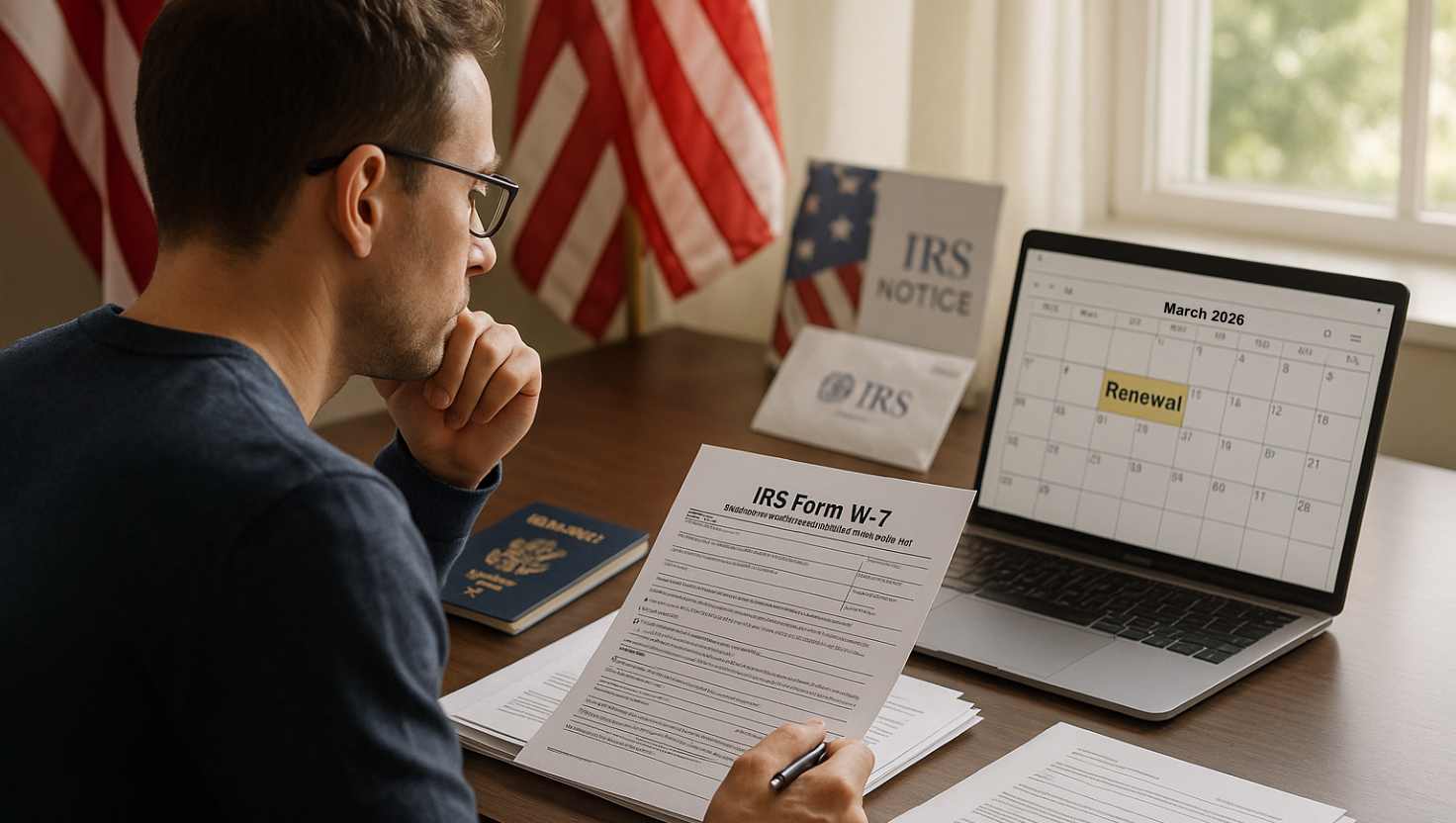
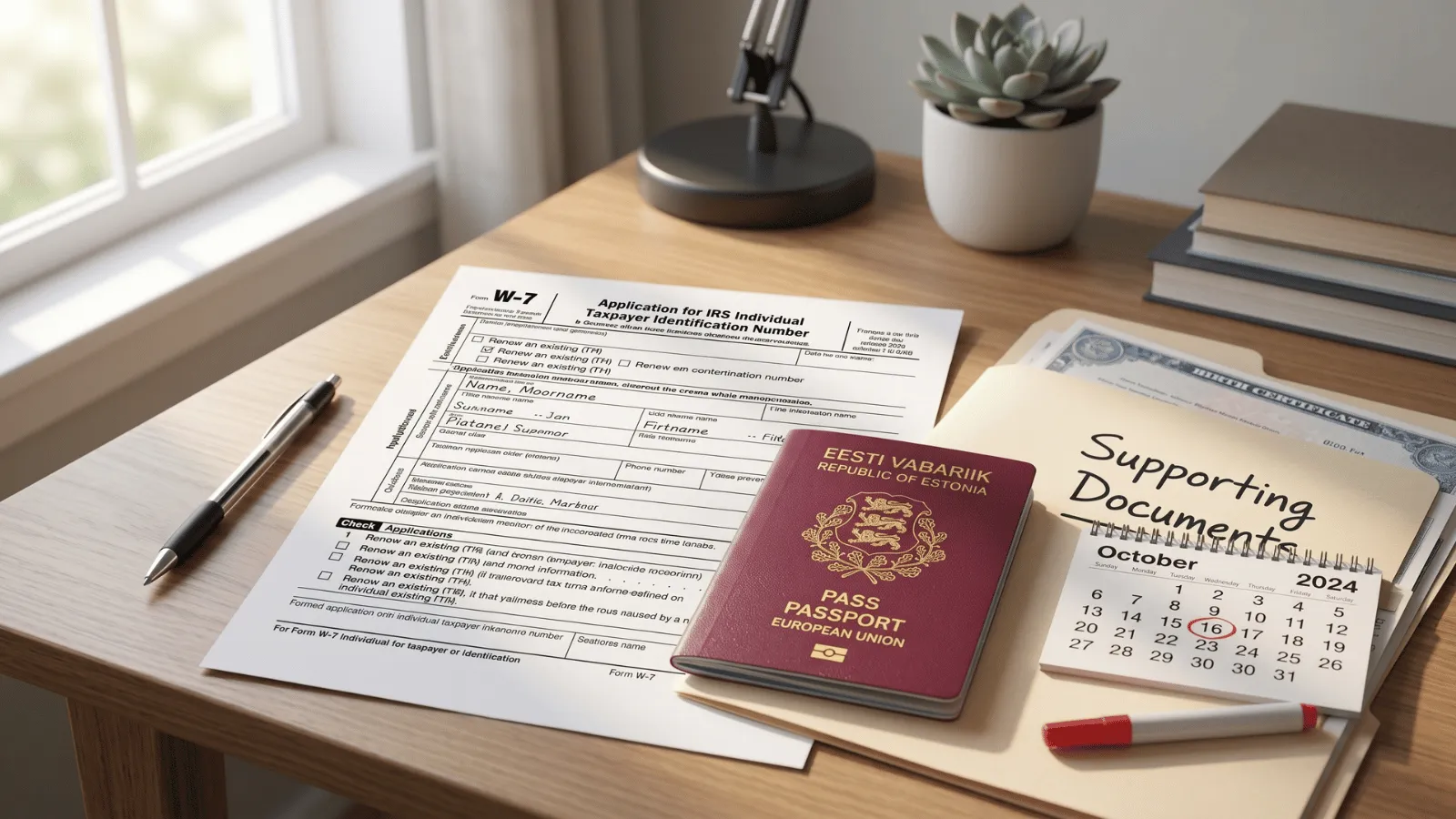
Renewing an ITIN generally involves submitting Form W-7 and the supporting documents required for your application. Follow these steps:
- Complete Form W-7. Select the option indicating that you are renewing an existing ITIN. Review the form carefully and make sure the information matches your current tax records and supporting documentation.
- Gather the required documents. Include the documentation required for your specific application. Requirements can vary, so use the current IRS instructions for renewing an ITIN rather than relying on an outdated document list.
- Submit the renewal package. Send the completed Form W-7 and required documents using the submission instructions provided by the IRS. Keep copies of everything you submit for your records.
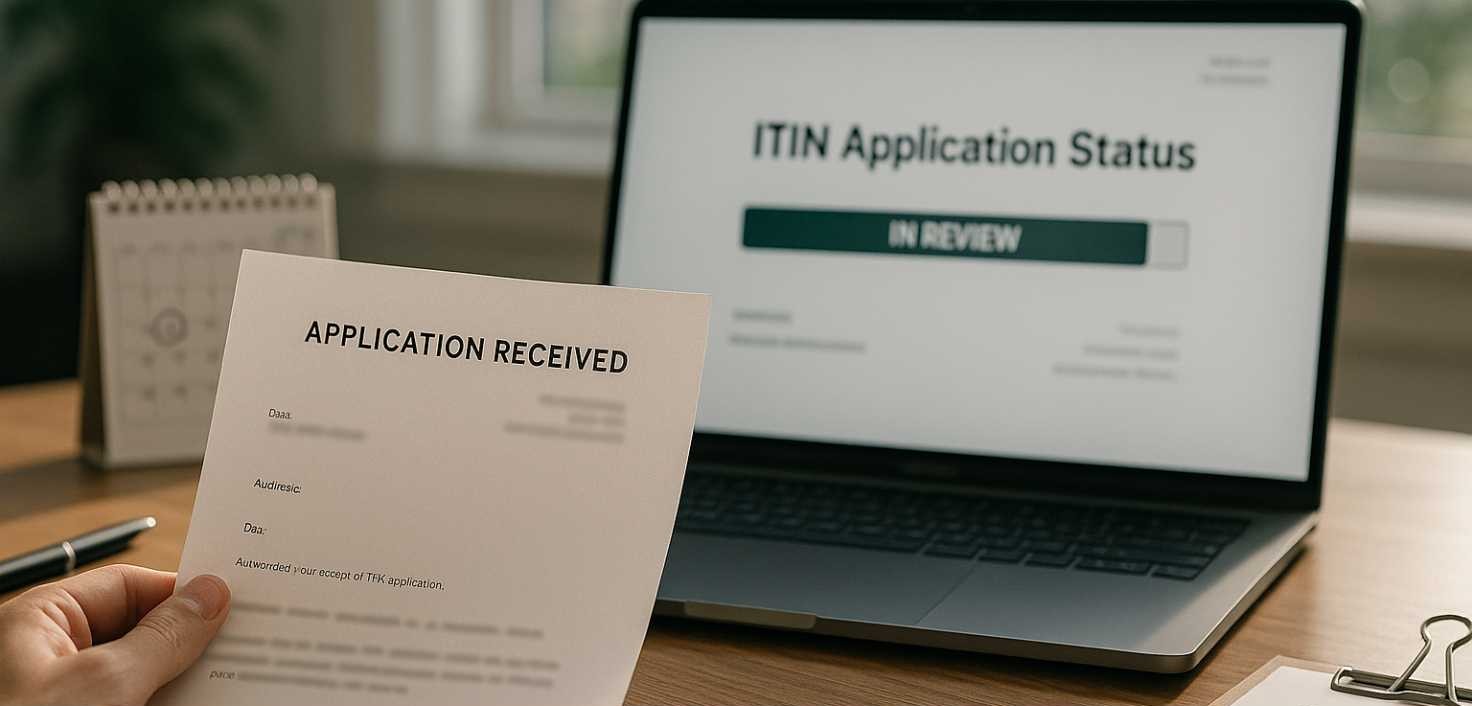
- Allow time for IRS processing. Processing times may change, and an IRS processing estimate should not be treated as a guaranteed completion date. Check the IRS renewal guidance for current information before submitting your application.
If you would like assistance preparing your renewal package, contact us for help with your ITIN renewal.
Verifying ITIN Validity
You can check whether your ITIN is still valid by reviewing your tax filing history through your IRS Online Account. This provides a practical way to review whether the ITIN has been used on a U.S. federal tax return in recent tax years.
When reviewing your account, look at the available filing history and any ITIN-related status information or reports. These records can help you determine whether your ITIN appears current or whether you may need to take renewal steps. Keep in mind that an ITIN can expire after three consecutive tax years without use on a federal tax return, so checking your filing history is especially helpful if you have not filed recently.
If your account does not provide enough information to resolve your question, review the IRS instructions for ITIN renewal. Do not assume that an ITIN remains valid solely because you still have the original number; its status is connected to the IRS records and applicable usage history.